I thought I would start a little discussion on how people are feeling about the Reach HDR settings and what has worked best for them.
I've always found reach to have a rather muddy complexion considering the graphic fidelity. Though not perfect adjusting the HDR settings has proved itself to be a worthwhile workaround. One of my main gripes was how the level lighting on the multiplayer maps was almost unnoticeable due to the blinding global lighting.
Originally my intention was just to darken up the environment a bit and tweak the contrast in hopes to reduce the bright muddiness and if I was lucky get a little colour to boot. Much to my surprise it had a far bigger effect than expected, notably improving the perceived appearance of the level lighting in the process. It's obviously not as dramatic as adjusting the actual level lighting but the effect has made the level lighting more pronounced and at the same time has offered the colours a little more pop.
Unfortunately I didn't think to take some screenshots when I was dealing with the conflicts of excessive global illumination versus level lighting, however I did take a couple last minute quick shots outdoors in the early campaign so that you guys can get a bit of an impression of what I did and offer your opinion.
My current setting for a dark room(not final)
HDR brightness - 760
Paper white - 4
Contrast - 3.5
TV: Vizio m658-g1
I apologize in advance for the image quality. My standard lens has broken and I only have my panoramic lens left. Also please ignore the fact that the clouds are constantly moving around the screen.
Stock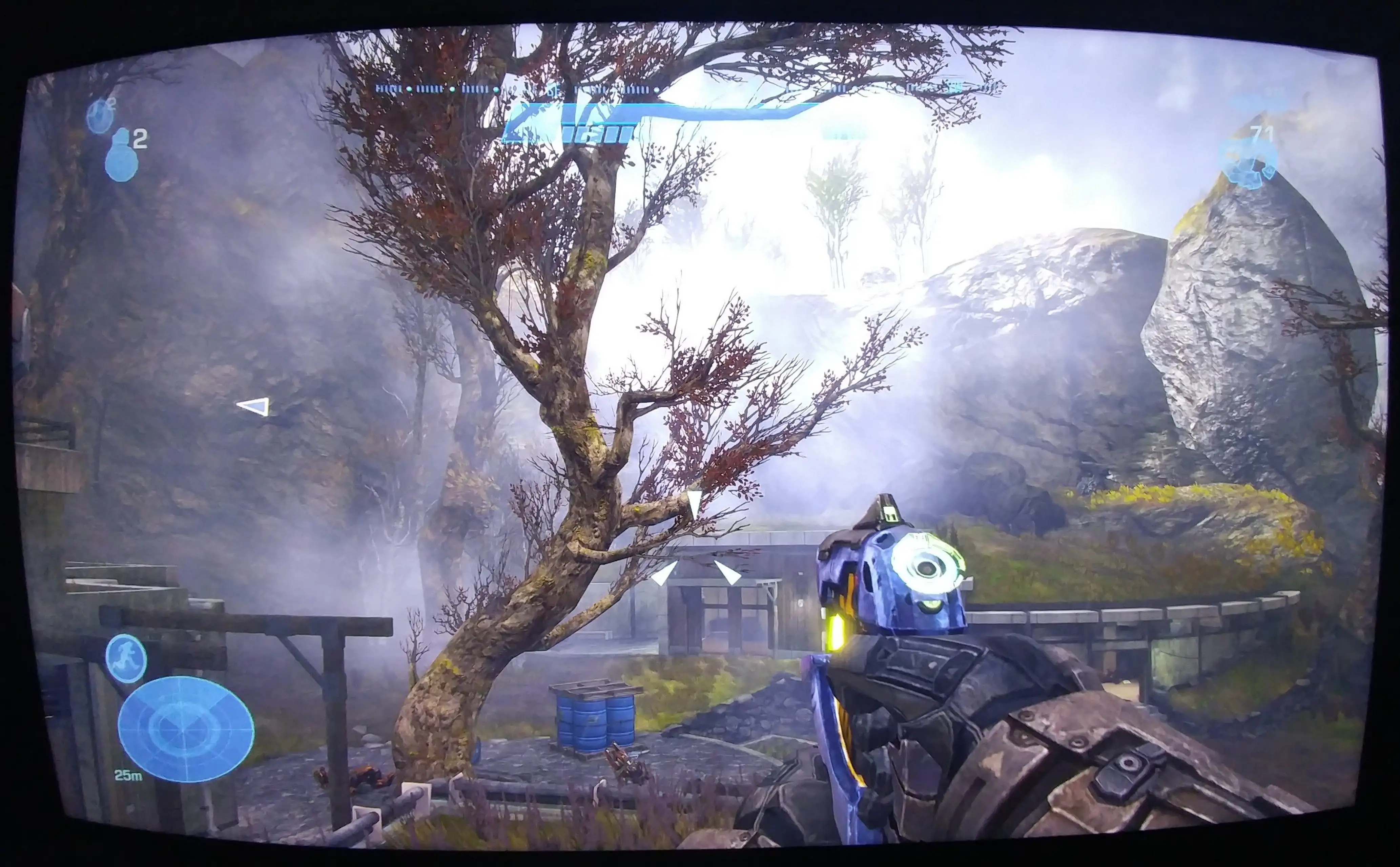
Custom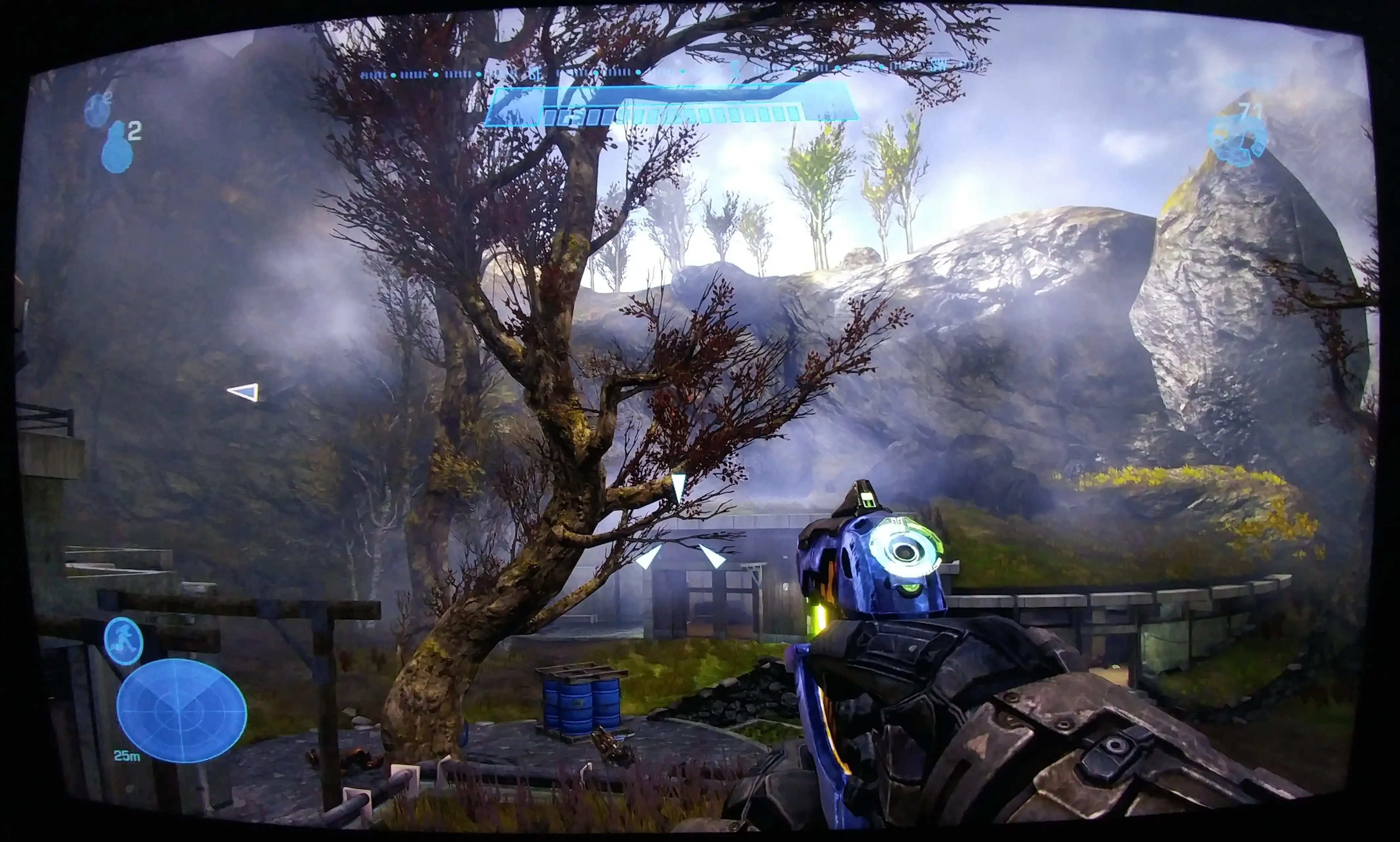
Stock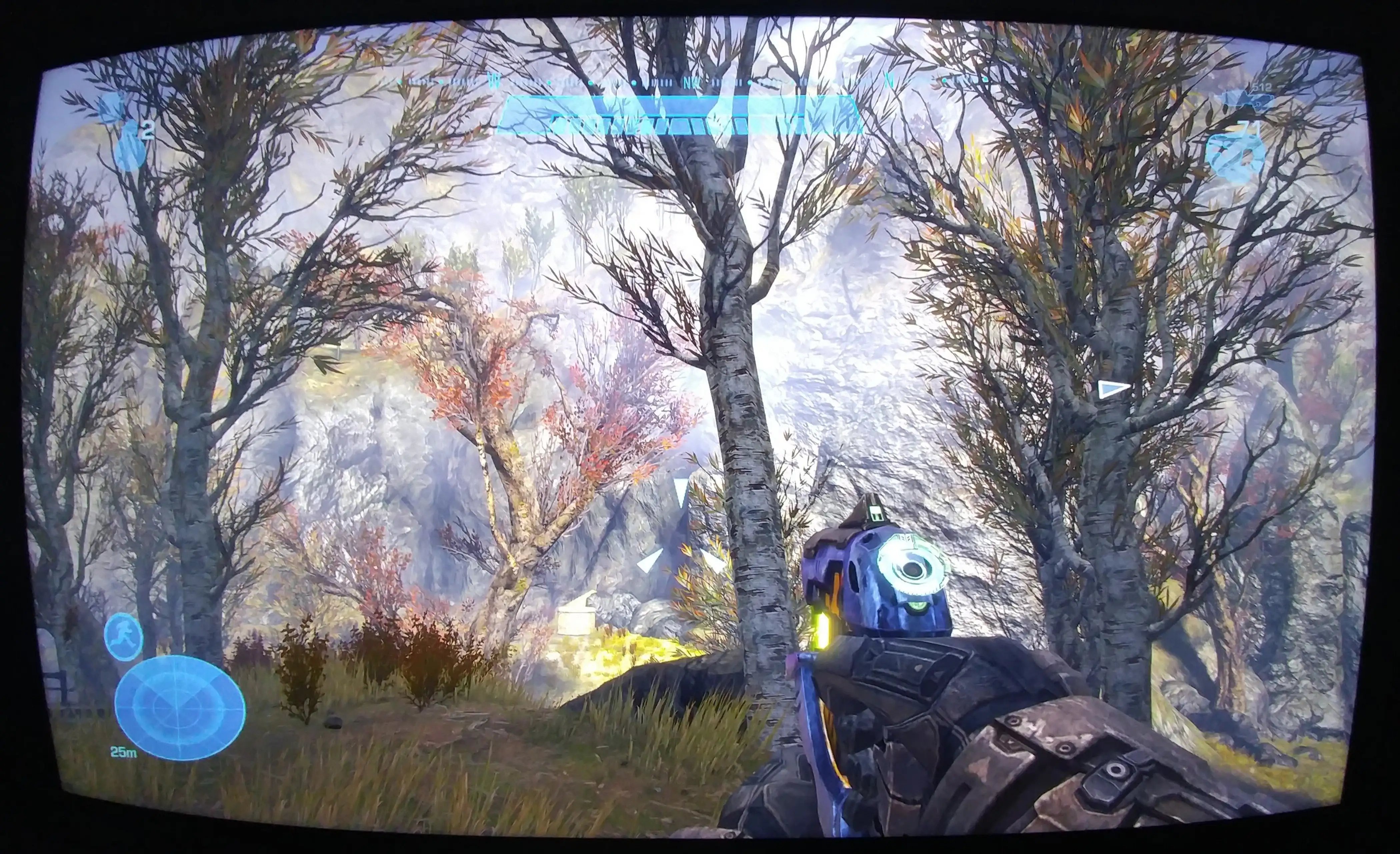
Custom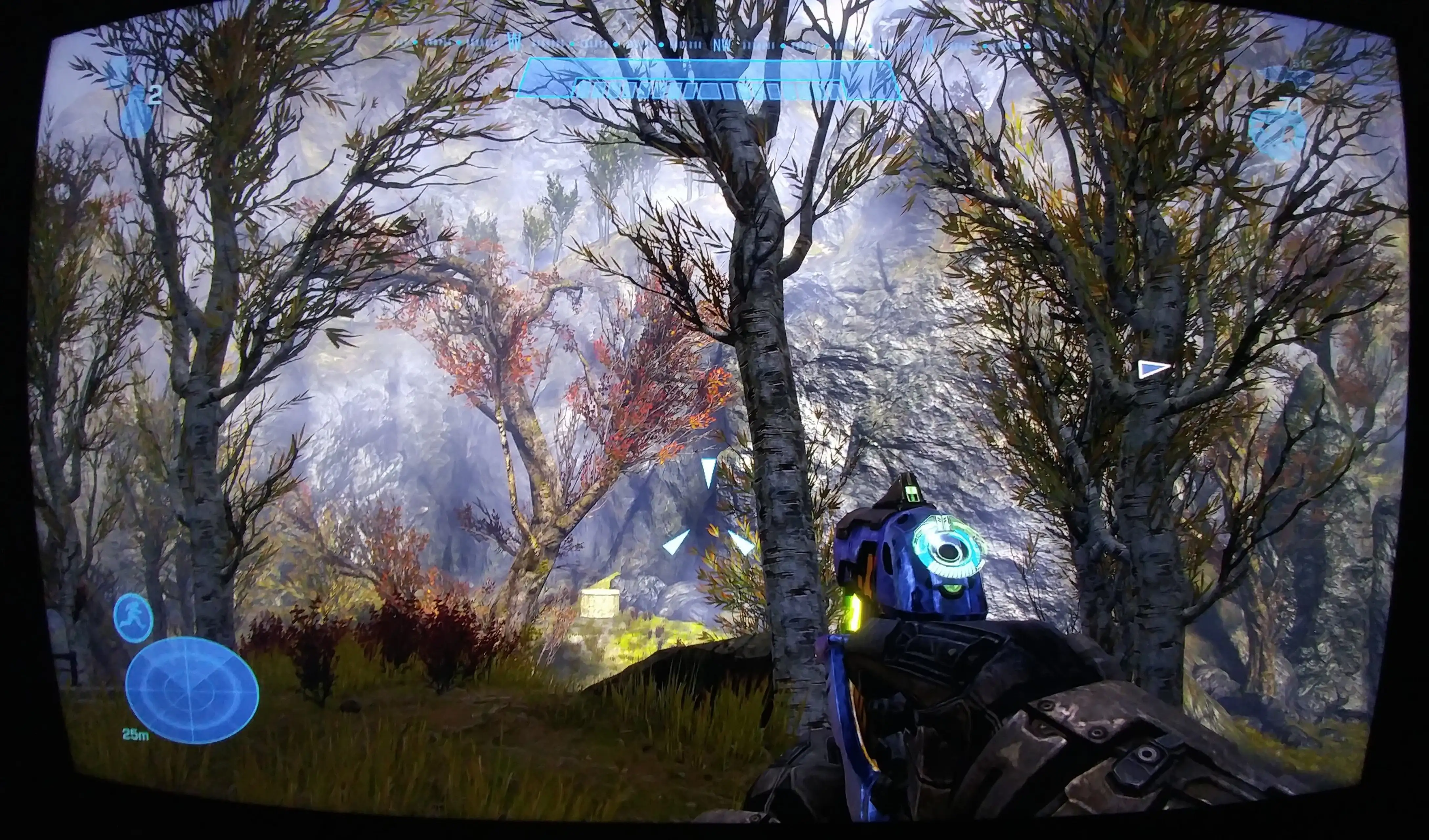
Obviously this isn't the best representation of what I see on my screen. From my point of view couch side the images appear simultaneously more rich while also at the same time more dark and dismal. It's pretty hard to see the rain effects in a static image pointing towards the sunlight but I can tell you it definitely feels better to me.
The downside to these changes is that in a world where we have gotten improved contrast with higher definition graphics and now HDR , our expectations are that even in a dark scene we should still maintain a sharp visual acuity. This was not exactly the case on release of the title and it is again not the case with the settings that I have created above. That being said much like when I originally played the title I just pop night vision on if I need to take a better look.
I'm not quite sure how these images are going to turn out and if there's any point in me uploading a couple images on another scene but if it turns out all right and if I'm feeling motivated I just may.